

Know the Deal Before You Buy — in 60 Seconds.
Your credit. Your lenders. Your goals. Your deal. Enter an address and Deal Master Pro pulls the comps, figures your cash needed, profit, and whether it’s a FLIP, a RENTAL, or a PASS for you — before you make an offer.
- Your credit score
- Your lender’s real terms
- Your profit goals
- Works on your phone
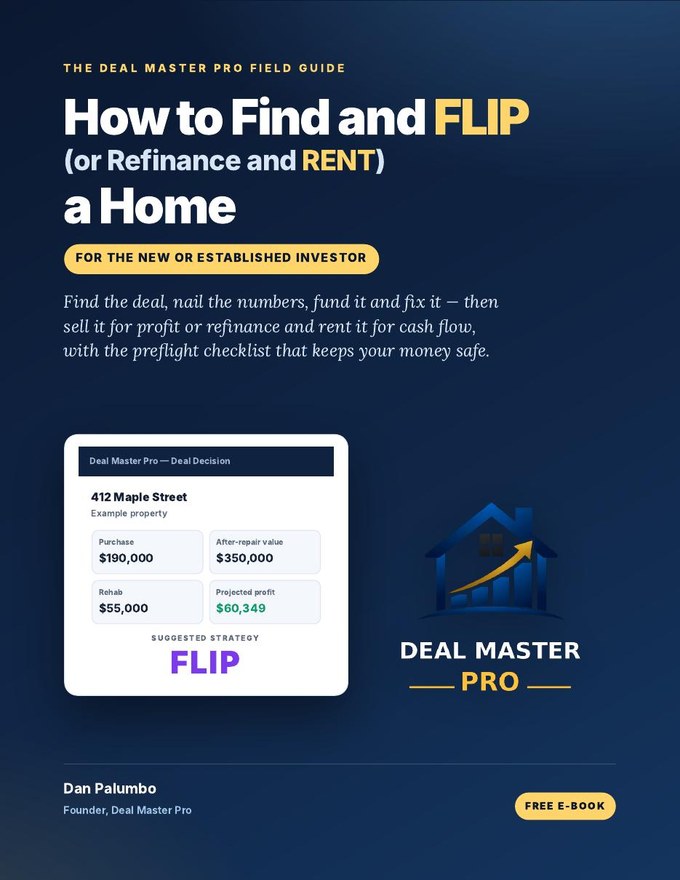 Free 87-page bookHow to Find and FLIP (or Refinance and RENT) a HomeGet the Free Book →
▶ 85-second demo: address to max offer
How to Find and FLIP (or Refinance and RENT) a Home
For the new or established investor
You’ll get the download right away, plus a copy by email. We never sell or share your email.
Your book is ready!
Download it now. We’re also sending a copy to your email.
Download the Book (PDF)Start Your 7-Day Free TrialSign up with your email and get our 87-page field guide free — how to find deals, nail the after-repair value, estimate rehab, finance the project, and decide whether to flip it for profit or refinance and rent it for cash flow — all before you make an offer.
- Where profitable flips come from
- The 70% rule and your max offer
- Comps, ARV and rehab estimating
- Financing: LTV, LTC, LTA and DSCR
- Flip vs. refinance & rent (BRRRR)
- A full deal worked start to finish
- Checklists and printable worksheets
Your credit. Your lenders. Your goals. Your deal.
Every other deal calculator gives every investor the same answer. But you’re not every investor. Deal Master Pro starts with you: your credit score, the lenders you actually use, the cash you have, and the profit or monthly cash flow you want. Then it runs the deal on your terms and tells you straight: FLIP it, RENT it, or PASS.
Your credit score
Saved in your profile and checked against each lender’s minimum credit score. It also sets your mortgage insurance in the Mortgage Qualifier.
Your goals
You set the monthly cash flow, refinance cash-out and flip profit you want. Every deal is judged RENT, FLIP or PASS against your targets.
Your situation
Your own lenders and their real terms, your down payment, your rehab plan and your timeline. The numbers match the money that is actually available to you.
Two investors can look at the same house and get two different answers, and each one is right for that investor. That’s not a calculator. That’s your deal, figured your way.
Built around the way a real estate investor actually evaluates a property.
Deal Master Pro is more than a mortgage calculator and more than a basic flip calculator. It is a complete deal decision system — helping investors evaluate a property from purchase through financing, renovation, rental, refinance or resale, all in one place.
It is especially useful for investors following the BRRRR strategy — Buy, Renovate, Rent, Refinance, and Repeat. Because the app works with the lending guidelines and fees saved in your own lender profiles, every outcome is analyzed with the financing that is actually available to you.
One app for the way you invest.
House flippers & renovators
See acquisition and rehab financing, holding and closing costs, comparable sales and projected profit before you make an offer.
BRRRR & rental investors
Check rent, DSCR financing, monthly cash flow and refinance cash-out against the minimums you set.
Buyers comparing loans
Use the Mortgage Qualifier for Conventional, FHA or VA: payment, cash needed to close and income needed to qualify.
Using the app is so easy.
Pick a lender, enter a few numbers, and pull the property. Deal Master Pro does the rest instantly.
Select your lender
Choose from the lenders you’ve saved. Every number uses that lender’s actual program matrix, fees and guidelines.
Enter the deal
Property address, purchase price, down payment, ARV, rehab estimate and the number of months you think the project will take.
Click Property Pull
Bedrooms, bathrooms, square footage, property taxes, estimated homeowners insurance, average rent for the area and Section 8 rent appear instantly. Or enter the data yourself.
Get your answer
Deal Master Pro tells you to REHAB & RENT, REHAB & FLIP, or, if the numbers don’t work, PASS.
Choose your lenders, enter the address, price, down payment, ARV, rehab cost and rehab months, then pull the property information — or enter it yourself.
That’s it! Deal Master Pro does everything else.
Deal Master Pro automatically uses the maximums your selected lender allows — maximum LTV (lowest down payment), maximum rehab financing and maximum DSCR cash-out — so you see the most a deal can do for you.
Want less than the maximum? Change any figure to fit your needs — for example a larger down payment on Deal Setup, or a lower DSCR LTV in What-If — and every number updates instantly.
Then explore every part of the deal, one tab at a time
- 1Deal Setup
- 2Property Information
- 3Buy & Rehab
- 4DSCR & Rent
- 5Flip & CompsPull actual closed comparables
- 6Deal Decision
- 7Deal Summary
Everything you need to know the deal.
Your lenders, your goals, and real property data, turned into a clear decision in seconds.
01Your lenders & your goals
Personalize your lenders
Save and select the lenders of your choice, with their loan programs, guidelines, points and closing fees.
Compare lenders
Switch between your lenders on the same property to find the one that best suits your needs.
Your own targets
Set in your profile what you want to earn: monthly rental income, how much you want to cash out with a DSCR refinance, and how much profit you want from a flip.
02Property data in seconds
Property information
Pull the property details in seconds: beds, baths, square footage, taxes, insurance estimate, area rent and Section 8 rent.
Comparables
Pull actual closed comparable sales for the subject property.
Flood zone
Get FEMA flood zone information for the property.
Neighborhood, county & crime
Neighborhood and county statistics from the U.S. Census Bureau, plus crime statistics for the area.
03Every number, instantly
Buy & Rehab, DSCR & Rent, Flip
All three strategies appear instantly, calculated at your selected lender’s program matrix values.
Your cash investment
The total cash you’ll need, including down payment, closing fees, and the holding mortgage payments for the rehab period.
LTV, LTC & LTA
Loan-to-Value, Loan-to-Cost and Loan-to-ARV, shown for every deal.
Instant deal decisions
REHAB & RENT, REHAB & FLIP or PASS, decided instantly against your own targets, plus the maximum offer that still hits your profit goal.
04Smart tools
AI Rehab Estimator
Upload pictures and/or video of the property. AI analyzes what work is needed and estimates your rehab costs.
Real-time drive & route
Find the distance and real drive time from your location to the property, based on current traffic. Then open a map to see the route.
What-If sliders
Experiment with LTV, rehab cost, ARV and more, and watch how the deal changes.
05Reports & saved deals
Deal Summary
A clean, printable summary of the whole deal on one screen.
6-page Investor Report
Everything in a clean, easy-to-read and easy-to-understand format, ready to share with partners and lenders.
Save all your deals
Save every deal you analyze and recall it in seconds.
Questions Deal Master Pro is designed to help answer
How much cash will I need?
Estimated acquisition, lender and closing costs before you commit.
What is the best strategy?
Compare flip, DSCR / rental and pass outcomes against your own criteria.
Do the numbers support the deal?
Cash flow, refinance potential, comparable sales and projected profit in one place.
Pick your plan
Both plans are personalized to you: your credit score, your lenders and your goals. Both start with a 7-day free trial. Cancel anytime from Manage billing in the app.
Starter
- 25 property pulls a month
- 10 AI rehab estimates a month
- 25 AI ARV estimates a month
- 25 AI roof checks a month
- Every analysis, report and saved deal
Pro
- 75 property pulls a month
- 30 AI rehab estimates a month
- 75 AI ARV estimates a month
- 75 AI roof checks a month
- Everything in Starter
Full details on the plans page. By starting a free trial you agree to the Terms of Service and Privacy Policy.
Common questions
Where does the property data come from?
Property details and comparable sales come from professional real estate data providers. Flood zones come from FEMA, crime statistics from the FBI Crime Data Explorer and neighborhood data from the U.S. Census Bureau. Every automatic entry can be changed.
Do I have to use a particular lender?
No. You save your own lenders — their programs, guidelines and fees — and Deal Master Pro analyzes each deal with the lender you choose. You can keep one lender or compare several.
Can I use it on my phone?
Yes. Deal Master Pro runs in the web browser on a computer, iPad or iPhone, and your saved lenders and deals follow your account.
How do I get access?
Deal Master Pro is available to subscribers. Subscribers sign in with the access details provided when they subscribe.
Is this financial advice?
No. Results are estimates based on your inputs, your lender profiles and available data. Verify all information with your lender, title company and other professionals before making a decision.
Ready to analyze a property?
Start with the property address and your selected lender. Want every detail first? Read the full overview.